Display Settings & Export
Control the chart display, switch to a data table view, and export your WIP aging data.
Data Table View
Switch from the scatter plot to a tabular list of all WIP items with their age details.
- Toggle the view using the Chart / Table buttons next to the data source while editing - view mode shows the view you saved
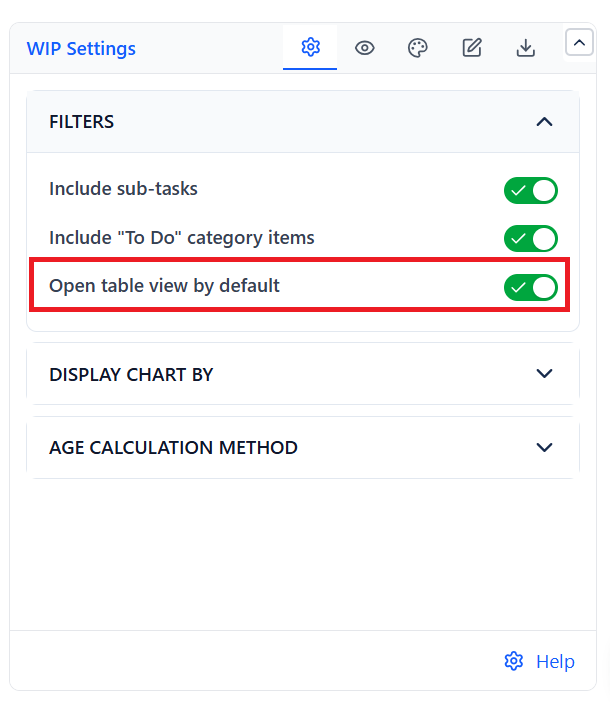
- Enable "Open table view by default" in WIP Settings → Filters so the gadget always starts in table mode
The data table is useful for:
- Sharing exact age numbers with stakeholders
- Exporting specific items for follow-up
- Reviewing items without the scatter plot visual
Display Settings
 |  |
| Setting | What It Does |
|---|---|
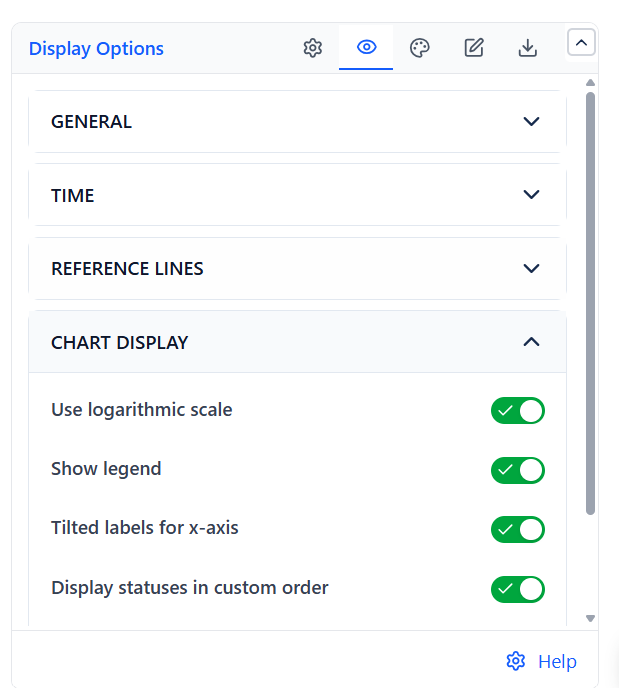
| Show legend | Toggle legend visibility |
| Tilted labels for x-axis | Angle status labels to prevent overlap when there are many statuses |
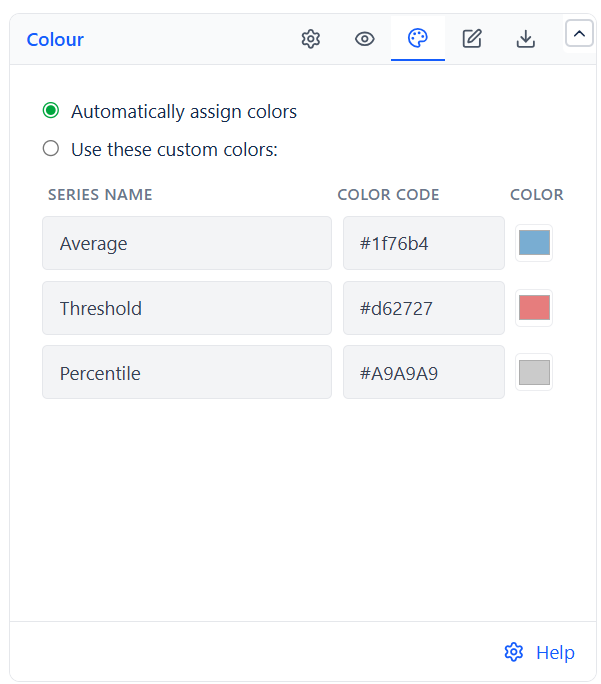
| Colors | Automatic colors, or custom colors for the Average, Threshold and Percentile lines |
| Auto refresh every 10 minutes | Refresh the chart automatically every 10 minutes in view mode |
Export
| Format | What Is Exported |
|---|---|
| CSV | Raw WIP data - one row per issue, with key, summary, type, assignee, status, and age in the unit set under Calculate age in |
| PNG | Image snapshot of the current view - the chart with all reference lines, or the table |
| Configuration | Configuration code of all gadget settings, copied to your clipboard for reuse or backup |
Common Use Cases
Daily Standup Review
Set the threshold to your team's SLA (e.g., 10 days). Open the chart at standup - any dot past the line needs a conversation. No sorting or filtering required.
Kanban SLE Tracking
Enable the 85th percentile line. The line value is your team's SLE: "85% of our work completes within X days." Share this number with stakeholders as a data-driven commitment.
Sprint Retrospective
Run the WIP Aging report at the end of a sprint. Issues with high age that did not complete are candidates for retrospective discussion - were they blocked? Under-specified? Too large?
SLA Breach Prevention
Set the threshold at your SLA boundary. Run the chart daily and escalate any dot past the line before it becomes a formal breach.