WIP Rule & Calculation
Two decisions define the chart: what counts as work-in-progress, and what unit you count it in.
WIP Rule
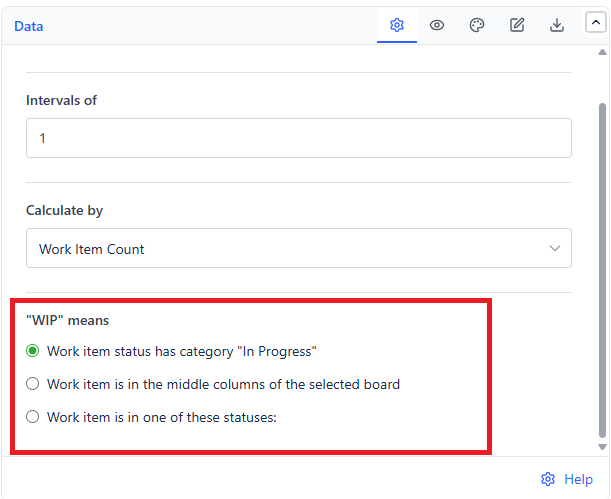
| Rule | An Item Counts as WIP While | Notes |
|---|---|---|
| Work item status has category "In Progress" (default) | Its status sits in Jira's built-in In Progress category | Works identically on every board with no extra setup. Start here |
| Work item is in the middle columns of the selected board | It is in a column that is neither the board's first nor its last | Matches how the team reads their own board. Available only when the data source is a Board |
| Work item is in one of these statuses | Its status is one you explicitly listed | Use when your definition of "active" does not match categories or columns - for example, excluding a Blocked status |
If your workflow parks items in a status like "Waiting on customer" that sits in the In Progress category, the default rule will count it as WIP. Switch to an explicit status list to exclude it.
Calculate By
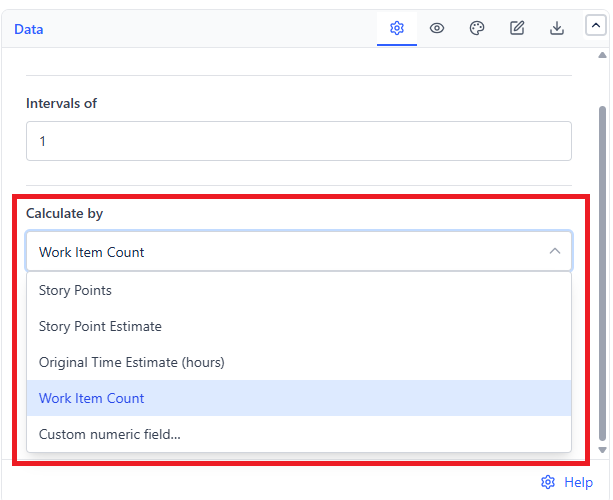
| Option | Measures |
|---|---|
| Work Item Count (default) | Number of items - the honest measure of context-switching load |
| Story Points | Sum of story points in progress |
| Story Point Estimate | Sum of the team-managed story point estimate field |
| Original Time Estimate (hours) | Sum of original estimates |
| Custom numeric field | Any numeric field you name |
Work item count is the better default for WIP. Point-weighted WIP can look flat while the number of open items doubles.
Interval
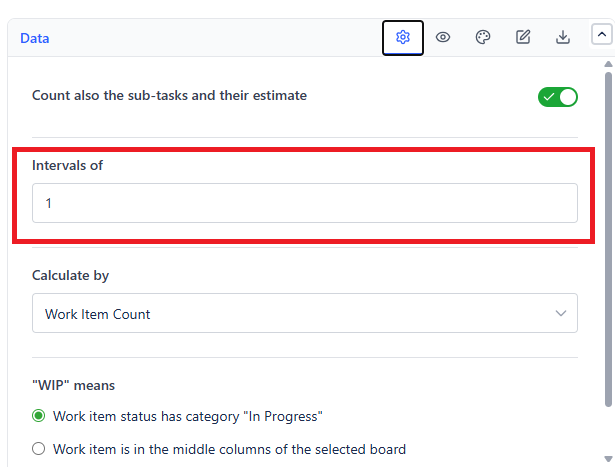
Intervals of sets how far apart each point on the X-axis is: 1 day, 1, 2, 3, 4, 6 or 8 weeks, or 1 calendar month (approx.). One day gives the finest resolution; larger intervals smooth the line and suit longer periods.
Sub-tasks
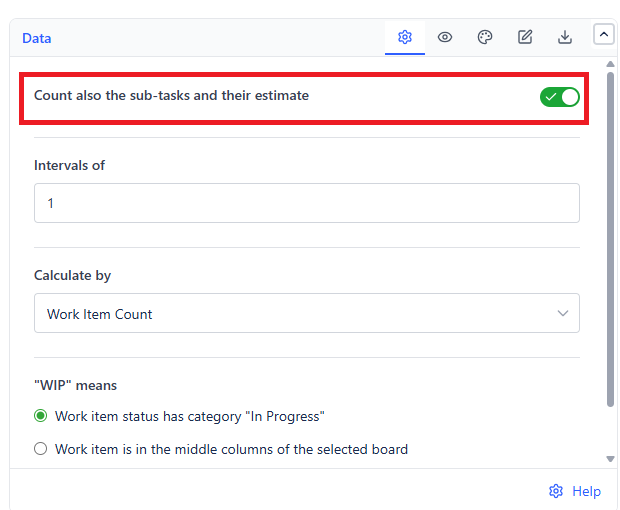
Count also the sub-tasks and their estimate is on by default. Turn it off if your team tracks work at the story level and sub-tasks would multiply the count.
Split by Field
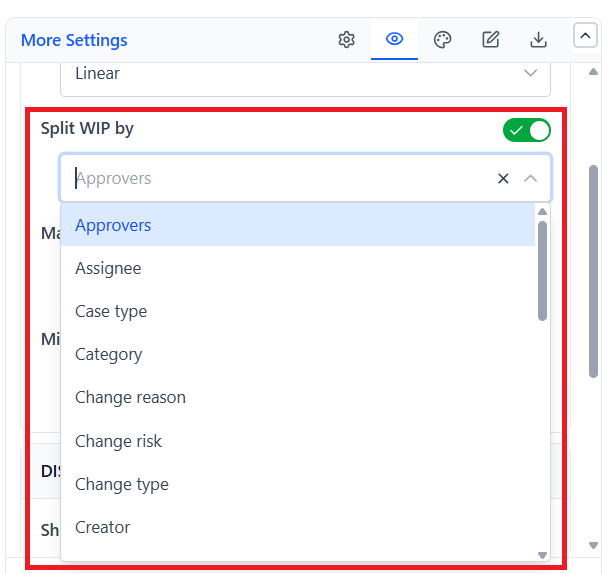
Turn on Split WIP by and choose a field to break total WIP into one line per value.
Keep Show total WIP on alongside a split so you can see both the whole and the parts.