Issue Filter Formula
Variables
A variable is one number. It is produced by running one query and aggregating one field - or just counting the results.
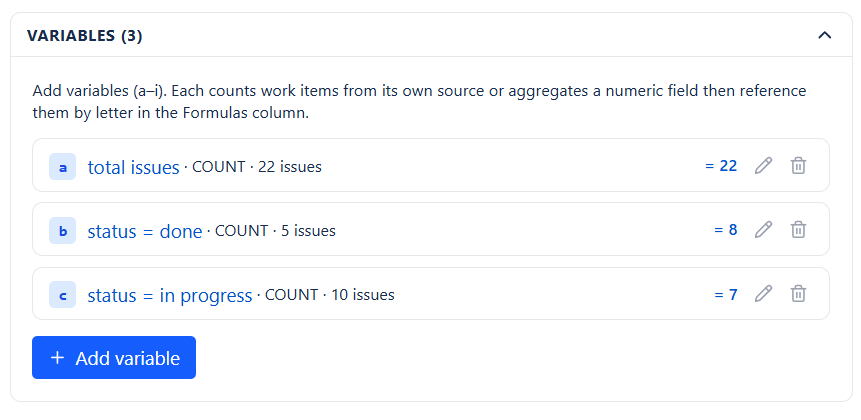
Configuring a Variable
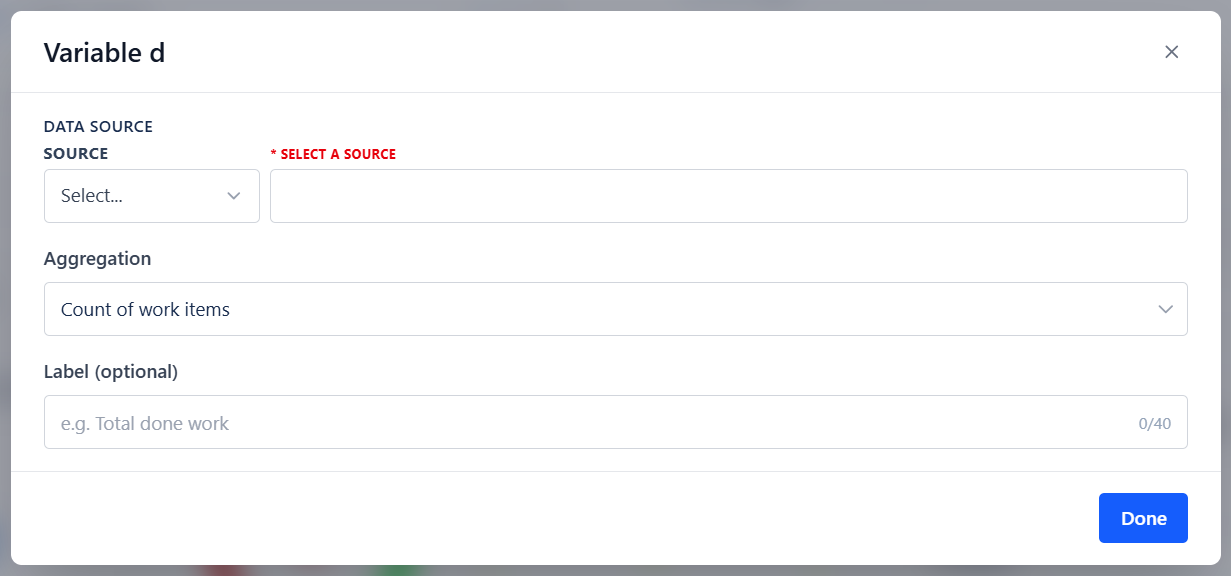
| Setting | What It Does |
|---|---|
| Add variable | Adds the next letter, up to i. Remove one with its trash icon. Only a exists by default |
| Label | A human-readable name shown in the config UI, so a is not just a letter |
| Data source | Projects, Board, Saved Filter, Custom JQL, or Dynamic Filter Controller |
| Aggregation | How the matching issues are reduced to one number |
| Field | Which field to aggregate - not needed for Count |
Aggregations
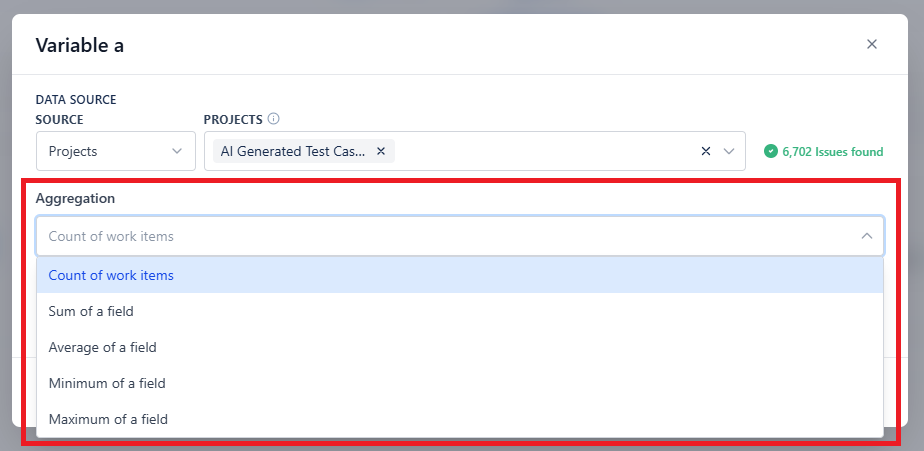
| Aggregation | Returns | Typical Use |
|---|---|---|
| Count of work items (default) | Number of matching issues | Counts, rates, ratios |
| Sum of a field | Total of a numeric field | Total story points, total time spent |
| Average of a field | Mean of a numeric field | Average estimate, average story size |
| Minimum of a field | Smallest value | Earliest or lowest bound |
| Maximum of a field | Largest value | Worst case, most recent |
Time Fields
For time-tracking aggregations, three sub-values are available: Time spent, Remaining estimate, and Original estimate. Values are read in seconds, so divide in the formula to display hours or days - for example a / 3600 for hours.
Naming Variables
Give every variable a label. Six months later, a / b * 100 is unreadable but "Production bugs / All bugs x 100" is obvious - and the labels are what your successor will rely on.
Practical Notes
- Add only the variables you use. Each variable is a separate query, so nine variables means nine queries on every refresh
- A variable whose query matches nothing returns 0 for Count and Sum, and NaN for Average, Minimum, and Maximum - so a formula using it returns NaN
- Variables scoped to the Dynamic Filter Controller re-resolve when the shared filter bar changes, so one formula can respond to dashboard-wide filtering