Visualization Modes
The Visualization mode setting controls how the tree is organized. Switch modes any time without changing your data source.
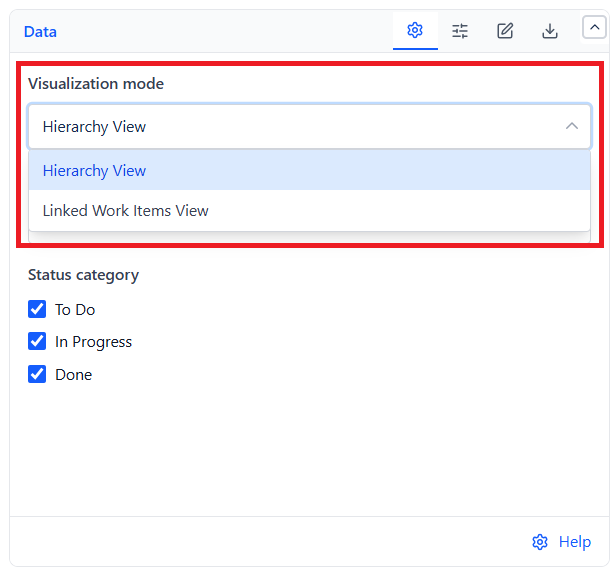
Hierarchy View (default)
Nests issues by parent/child relationship, as deep as the real parent chain goes. Top-level issues split into two folders:
| Folder | Contains |
|---|---|
| Epics, Stories and Sub-tasks | Issues at Epic level or above |
| Without epic | Standalone issues with no parent, or whose parent wasn't returned by your query |
Linked Work Items View
Each matched issue becomes its own root row, with its linked issues (blocks, is blocked by, relates to, duplicates, etc.) grouped underneath by relationship type. Issues with no qualifying links land in a "Without linked work items" folder. The same issue can appear in more than one place in the tree - once as its own root, and again nested under whatever links to it.
Tip: Use Linked Work Items View for dependency and blocker reviews across teams; use Hierarchy View for standard epic/story delivery tracking.
Expand
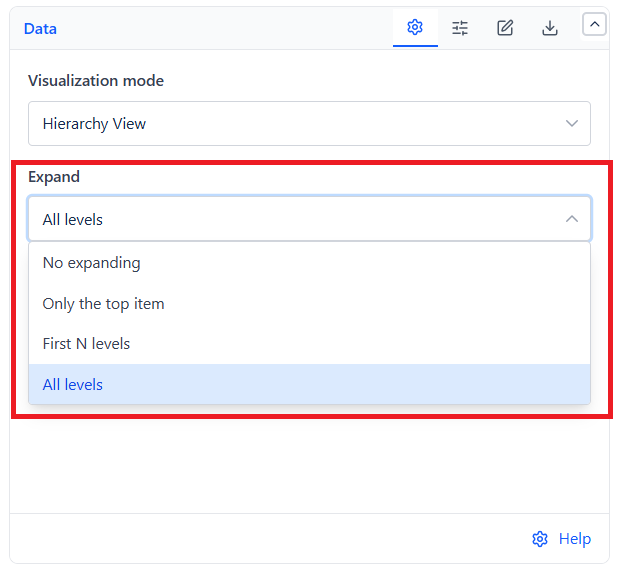
Controls how much of the tree opens automatically when the gadget loads:
| Option | Result |
|---|---|
| No expanding | Every row starts collapsed |
| Only the top item | Folders open automatically; issue rows start collapsed |
| First N levels | Expands N levels deep (1-10, default 2) |
| All levels (default) | Everything with children starts expanded |
Each row also has its own expand/collapse arrow, so you can adjust the tree further after it loads.