Work Breakdown Structure
Columns & Filters
Display Mode
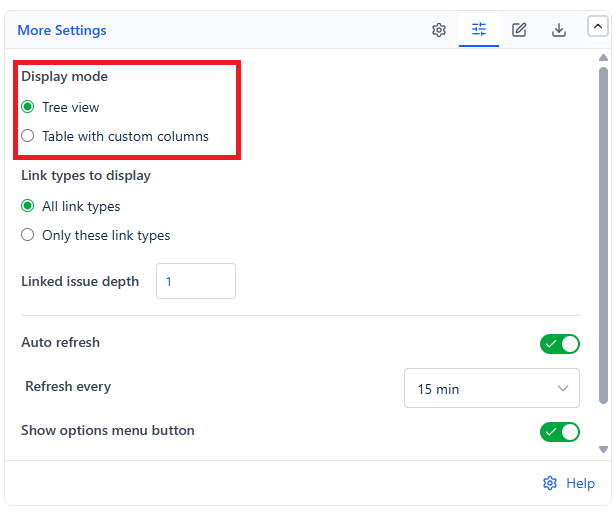
| Mode | Columns Shown |
|---|---|
| Tree view (default) | Key/Summary combined, plus Status |
| Table with custom columns | Key, plus any fields you add |
In Table mode, use + Add another field to bring in any Jira field - Assignee, Priority, Story Points, Due Date, or a custom field. Columns can be renamed, reordered, hidden, or removed; Summary and Status are added automatically as a starting point.
Status Category
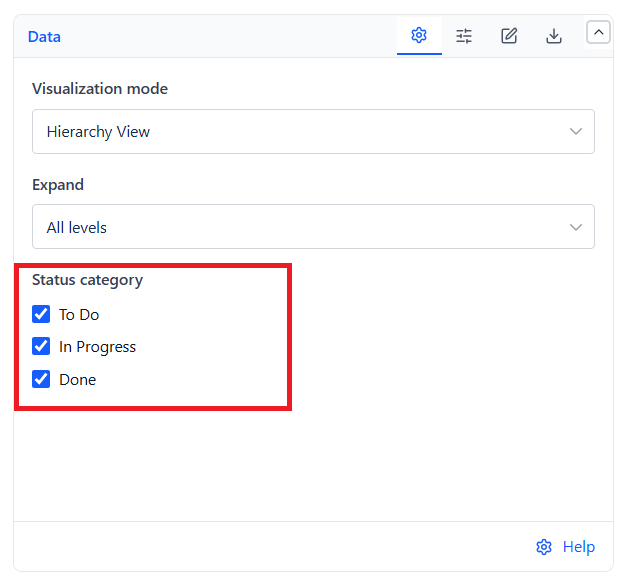
| Category | Covers |
|---|---|
| To Do | Gray statuses such as New, To Do, or Open |
| In Progress | Blue statuses such as In Progress, Working, or In Testing |
| Done | Green statuses such as Done, Closed, or Resolved |
All three are checked by default. A parent or folder stays visible as long as at least one of its children still matches your selection.
Link Types & Depth
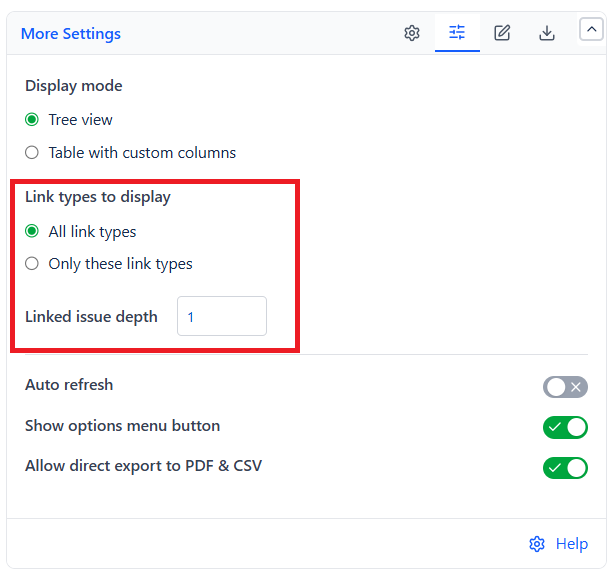
Available when Visualization mode is set to Linked Work Items View:
| Setting | Options | Default |
|---|---|---|
| Link types to display | All link types, or only the ones you select | All link types |
| Linked issue depth | 1 to 5 hops | 1 |