Settings
Sprint Selection
When the data source is a Scrum board you can scope the wallboard to a sprint. The default is the active sprint, so the board follows the team automatically as sprints roll over.
Quick Filters
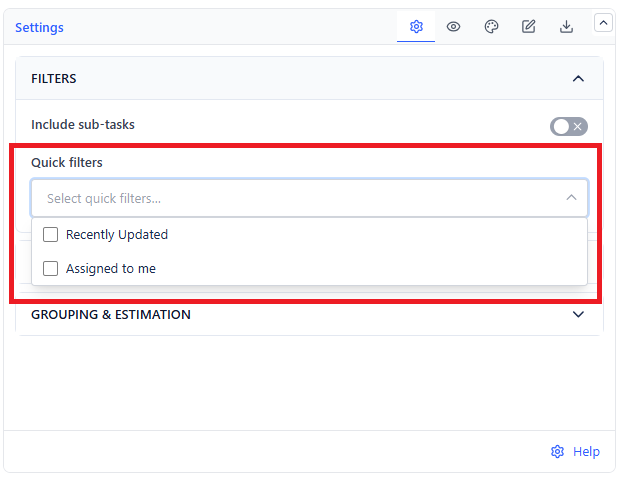
Quick filters are the selected board's own Jira Quick Filters, the ones set up in Board settings → Quick Filters. They appear only when the data source is a Board.
Pick one or more from the Quick filters list to narrow the wallboard. The list follows whichever board is selected.
A board quick filter that uses
currentUser()resolves per viewer, so the same gadget shows each person their own work.
Swimlanes
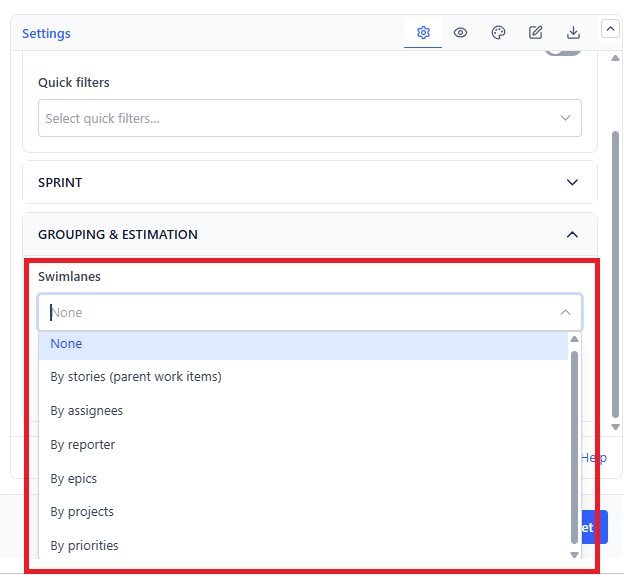
Swimlanes split the board into horizontal rows on top of the column grouping. All modes work with any data source.
| Mode | One Row Per | Best For |
|---|---|---|
| None (default) | Single board | Small teams, wall displays |
| By stories (parent work items) | Parent item | Seeing sub-task progress under each story |
| By assignees | Assignee | Spotting who is overloaded, and who is idle |
| By reporter | Reporter | Support and intake queues |
| By epics | Epic | Tracking several epics in one sprint |
| By projects | Project | Cross-project or cross-team boards |
| By priorities | Priority | Checking that high-priority work is actually moving |
Items with no value for the chosen field are grouped into a clear catch-all row - Unassigned, No epic, No parent, No priority, or Unknown project.
Sub-tasks
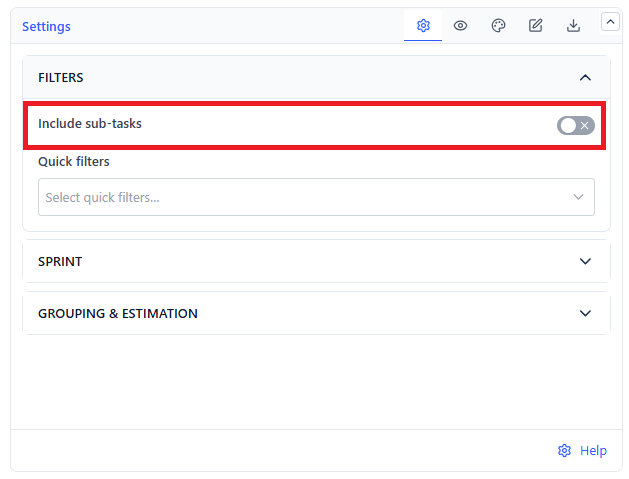
Include sub-tasks is on by default. Turn it off when your team tracks work at the story level and sub-task cards would flood the board.
Estimation Field
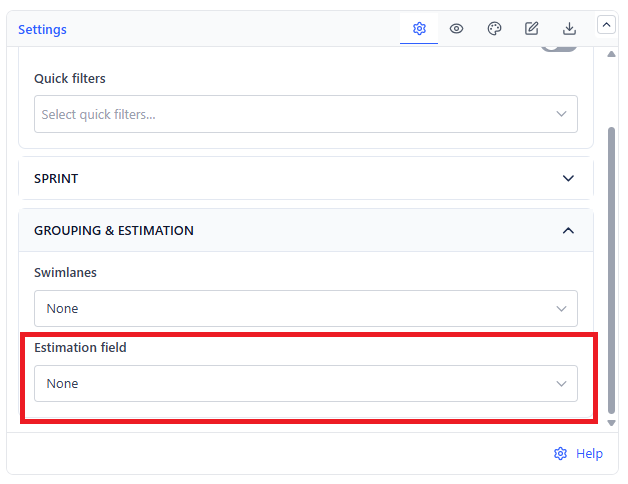
Pick the field shown on each card as the estimate - story points, a time estimate, or any numeric field your team uses. Choose None and the estimate badge shows "–".