Calculation Settings
Calculate By
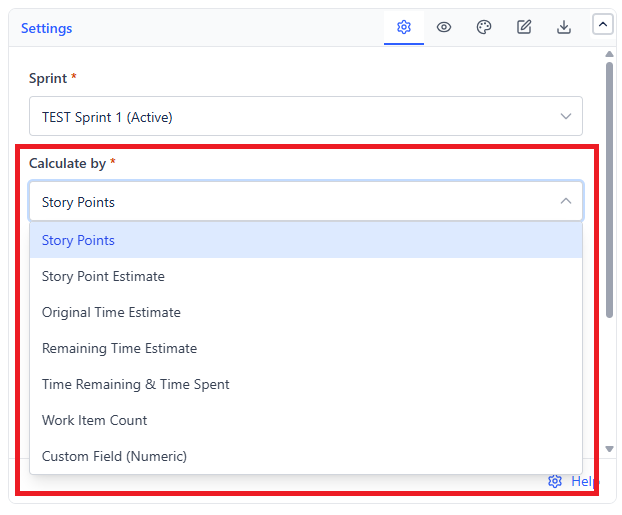
| Option | Measures | Notes |
|---|---|---|
| Story Points (default) | The story points field | The standard for Scrum teams estimating in points |
| Story Point Estimate | The team-managed story point estimate field | Use this on team-managed projects where points live in a different field |
| Original Time Estimate | Original estimate | Teams estimating in hours |
| Remaining Time Estimate | Remaining estimate | Reflects re-estimation during the sprint |
| Time Remaining & Time Spent | Both, together | Fullest picture for time-tracked teams |
| Work Item Count | Number of items | Simple, honest, and immune to estimate inflation |
| Custom Field (Numeric) | Any numeric field you name | For custom sizing schemes |
If the chart does not load, check this first: Custom Field requires a numeric field to be selected before anything renders.
Sub-tasks
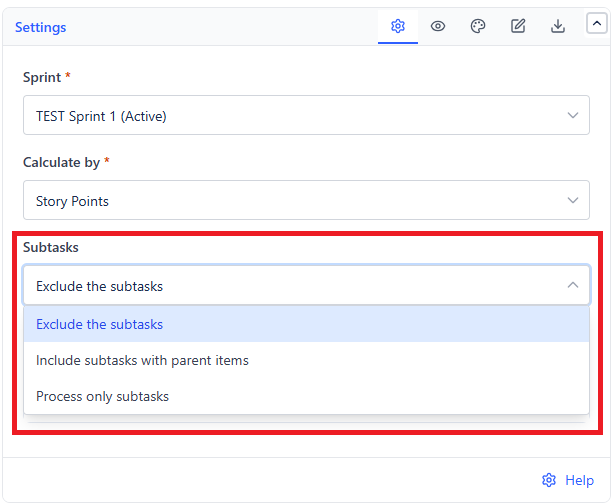
| Option | Behavior |
|---|---|
| Exclude the subtasks (default) | Only parent items count |
| Include subtasks with parent items | Both count - use only if sub-tasks carry their own estimates |
| Process only subtasks | Sub-tasks alone, for teams who track all work at that level |
Ignore Time Logged Before Sprint Start
Shown only when Calculate By is Time Remaining & Time Spent, and on by default. Turn it on when work started before the sprint began and you want the chart to show only the effort inside the sprint window.
Define Completed Work Items
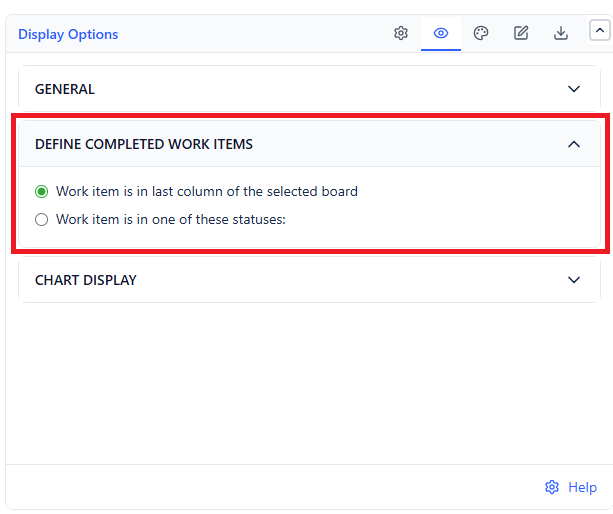
| Option | An Item Is Done When |
|---|---|
| Work item is in last column of the selected board (default) | It reaches the last column of the board |
| Work item is in one of these statuses | It reaches one of the statuses you list |
Use specific statuses when your last board column holds more than one status, or when "done" for reporting purposes is earlier than the board's final column - for example, code merged rather than released.
With Work item is in one of these statuses selected, the chart waits until you pick at least one status before it renders.
Ideal Line Basis
The ideal line has to start from a scope number. Choose which:
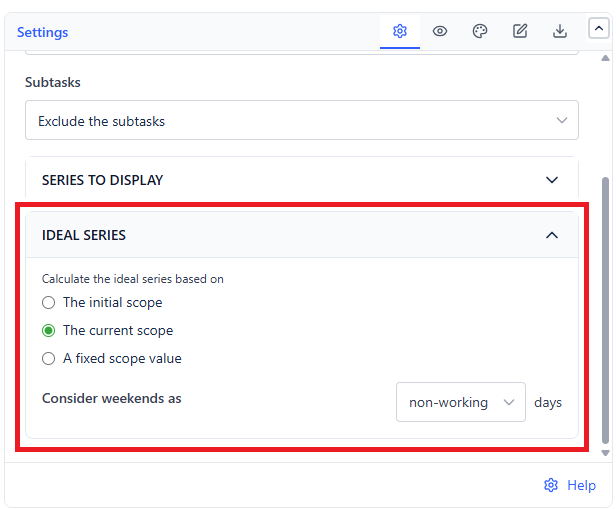
| Option | Starts From | Use When |
|---|---|---|
| The initial scope | Scope at sprint start | You want to judge the team against what they committed to |
| The current scope (default) | Scope as it stands now | You want a realistic target that accounts for added work |
| A fixed scope value | A number you type | You are reporting against an externally agreed target |
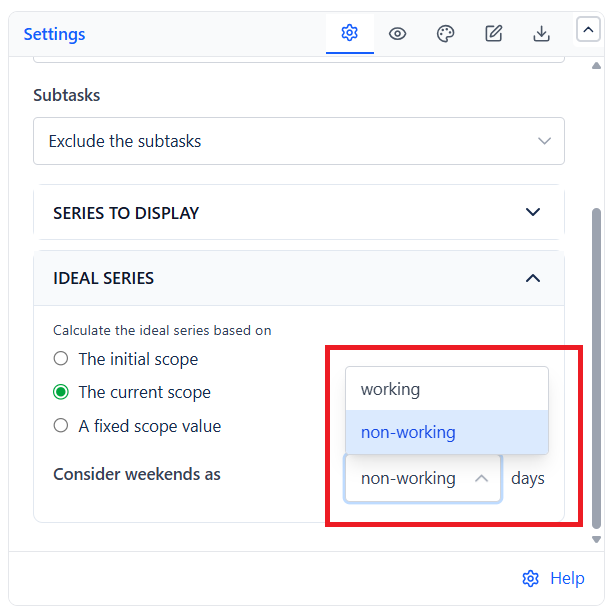
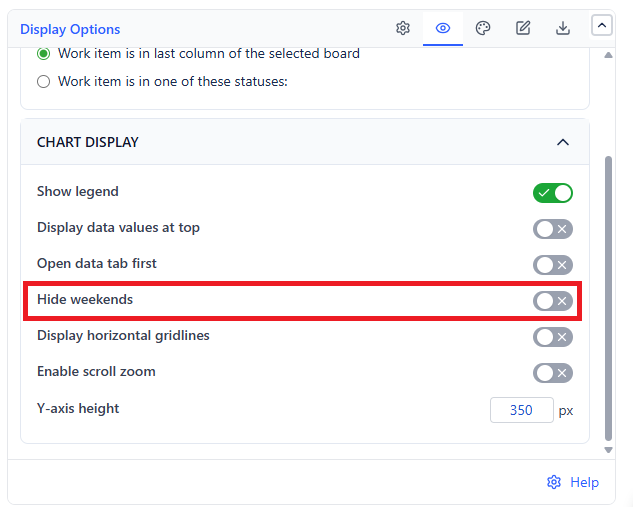
Weekends
 |  |
| Setting | Effect |
|---|---|
| Weekend mode: non-working (default) | The ideal line is flat across weekends, so it does not expect progress nobody was making |
| Weekend mode: working | The ideal line descends through weekends - for teams who genuinely work them |
| Hide weekends | Removes weekend days from the X-axis entirely, compressing the chart |
Changing weekend handling or the fixed scope value recalculates from data already loaded - no re-query, no wait.