LaTeX Inline Equations
Latex Inline Equations renders a single formula as part of the surrounding paragraph, instead of on its own centred line.
Best for
- A formula referenced inside a sentence
- Definitions of metrics inside running text
- Short, single formulas placed between words of a paragraph
Key input rule
The Source panel holds one formula only - not a paragraph of text. Type or paste raw LaTeX (or AsciiMath / a math expression, which is auto-converted to LaTeX). Write any surrounding sentence as normal Confluence text, and place this macro at the point in the sentence where the formula should appear.
Inline Editor Guide
Editor layout
- Source (left): the formula
- Preview (right): the rendered formula
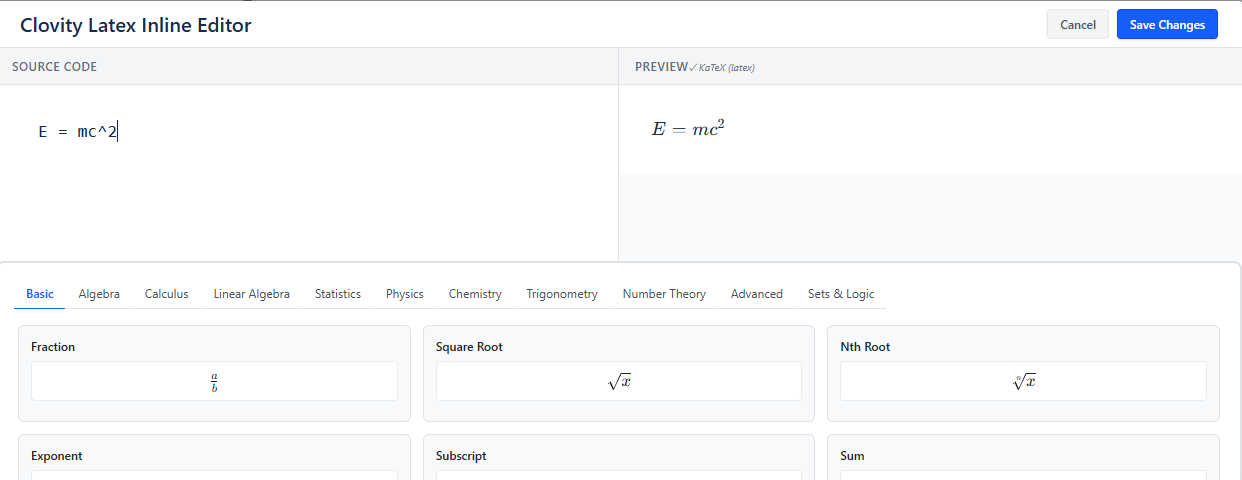
Using the Formula Examples gallery
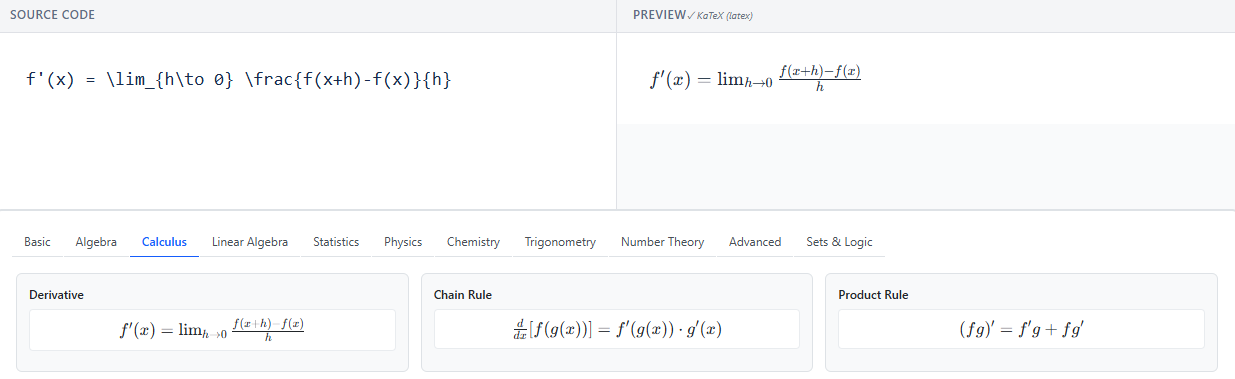
Below the editor, category tabs (Basic, Algebra, Calculus, Linear Algebra, Statistics, Physics, Chemistry, Trigonometry, Number Theory, Advanced, Sets & Logic) hold ready-to-use formulas. Click a category, browse pages of examples, and click one to load it into the Source panel.
Equation History
Like LaTeX Block Equations, the editor keeps a history of formulas you've entered in that macro (up to 50) - reload, delete, or clear past entries.
Saving
Click Save to render the formula inline on the page.
When to choose LaTeX Block Equations instead
Use LaTeX Block Equations when you need:
- multi-line aligned equations
- matrices or cases environments
- a standalone equation centered on its own line
Inline Math Rules
One formula per macro
Each Latex Inline Equations macro holds exactly one formula. For a sentence like "We define accuracy as Acc = TP+TN / TP+TN+FP+FN.", write the sentence as normal text in Confluence and insert the macro at the point where the formula belongs, with \text{Acc}=\frac{TP+TN}{TP+TN+FP+FN} as its Source content.
Best practices
- Keep each formula short - this macro is not meant for multi-line derivations
- For a sentence with several formulas, insert a separate macro at each point a formula is needed