Regional Clock
Overview
Pick a region and a time zone, and the gadget displays a live, always-current digital clock - no Jira project, filter, or JQL required, making it a simple way to keep remote-office coordination visible on a shared dashboard.
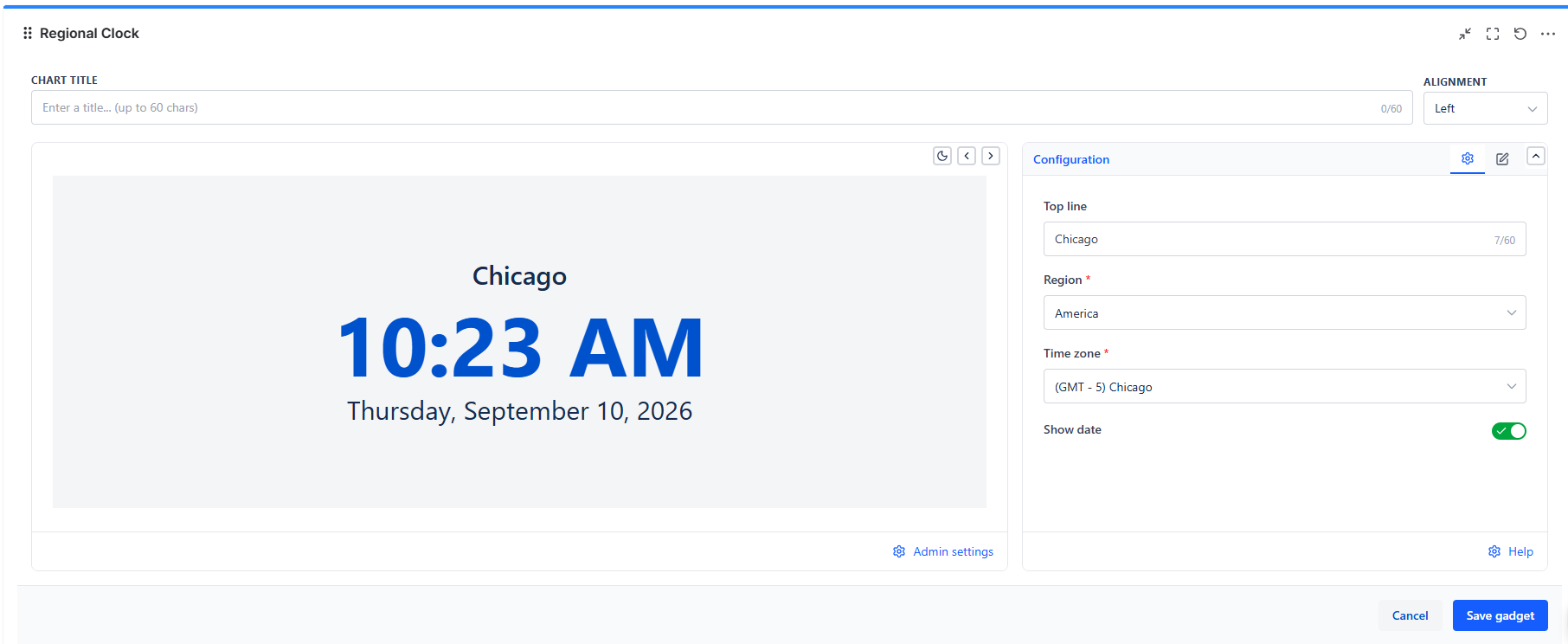
Region & Time Zone
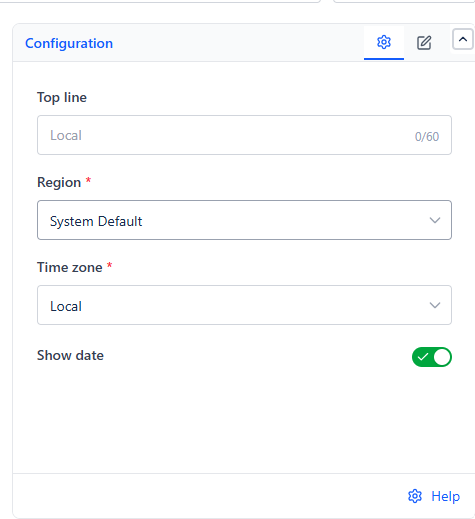
| Field | Options | Notes |
|---|---|---|
| Region | "System Default," or any world region | "System Default" shows each viewer their own device's time zone - useful when different people should see their own local time on the same shared dashboard |
| Time zone | Under "System Default," the only option is "Local." Under any other region, a searchable list of cities, shown with their GMT offset (e.g., "(GMT + 5.5) Kolkata") | Pick a specific city when everyone viewing the dashboard should see the same fixed reference time, regardless of where they are |
Changing Region resets Time zone to that region's first option, so you never end up with a mismatched pairing.
What's Shown
- Time - a large digital display, in 12-hour format
- Show date - on by default, adds the full date below the time (e.g., "Wednesday, September 9, 2026"), useful when the gadget sits on a wall display where the date matters as much as the time