Attachment Management & Audit
Audit Logs
Audit Logs
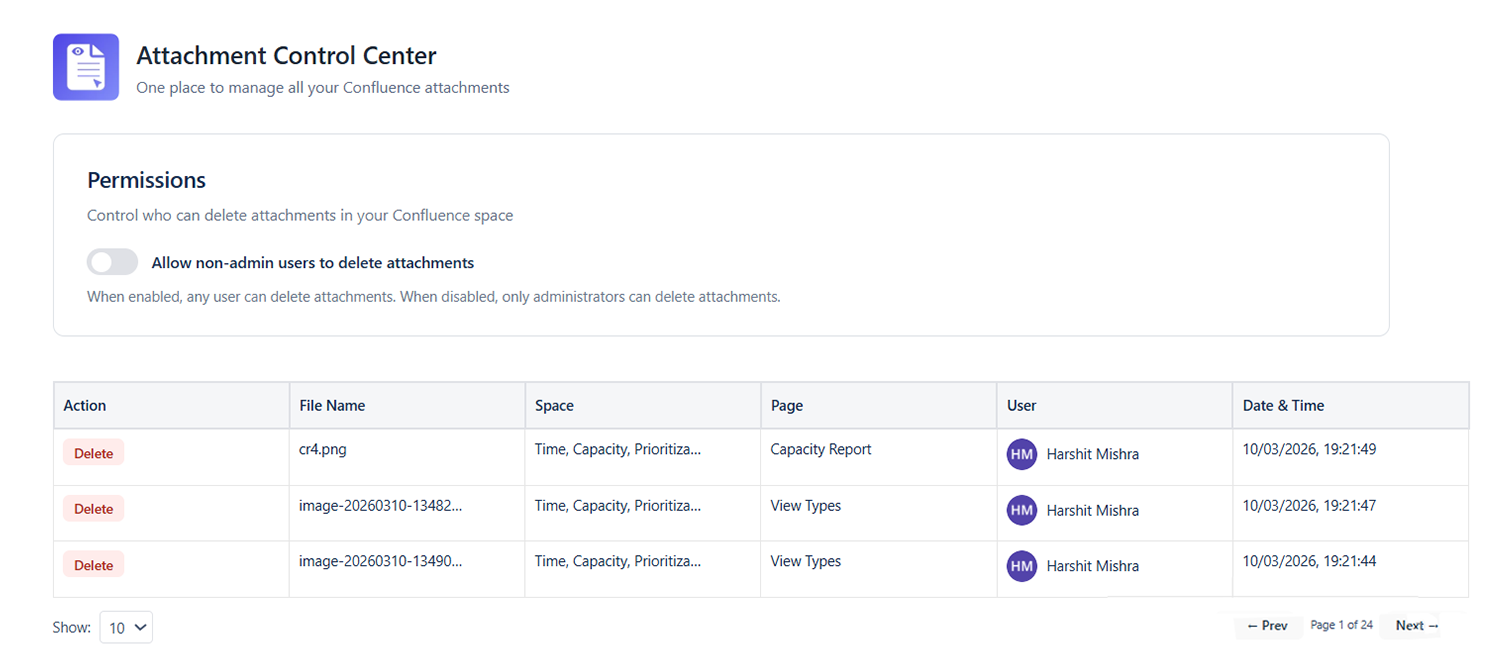
What Are Audit Logs?
The Audit Logs section records all attachment-related actions performed via the Attachment Management Center. Use it to track who deleted files and which bulk delete operations have been run - and by whom.
What Gets Logged
| Action | Logged Details |
|---|---|
| Attachment Deleted | File name, page, file size, deleted by, timestamp |
Accessing Audit Logs
- Open the Attachment Management Center (a global admin page - no Space Settings navigation needed)
- Click the Gear icon at the top of the Attachment Center panel
- The log loads showing the most recent 100 events, newest first
Reading a Log Entry
Each log entry shows:
- Timestamp: Date and time of the action (Confluence site timezone)
- Action: What was done (e.g., "Bulk Delete", "Attachment Deleted")
- Performed By: The Confluence user who triggered the action